Build your first website
Steps
- Open Ember and tap New project.
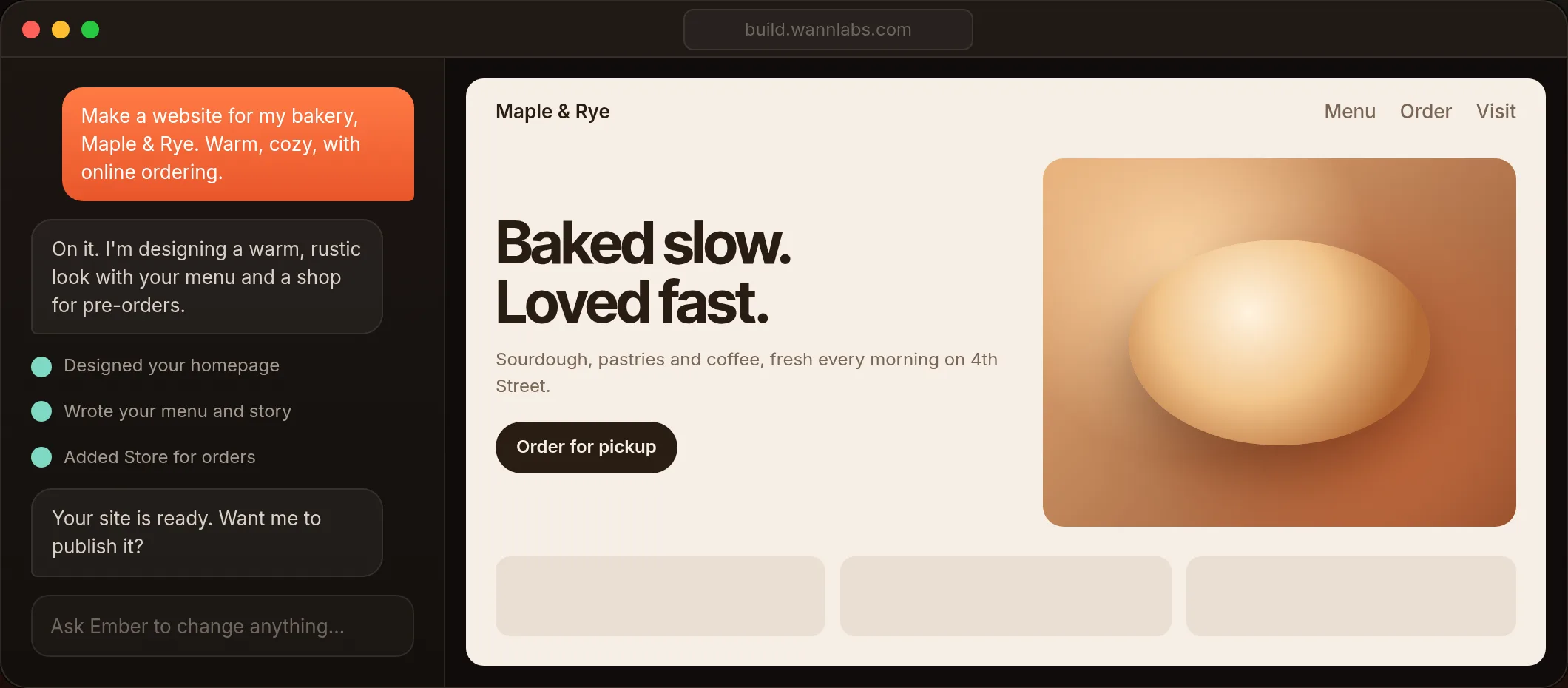
- Describe your business in one or two sentences. Example: "A website for Maple & Rye, a bakery with sourdough and pastries. Warm, rustic look. People can order for pickup."
- Wait about a minute. Ember designs the pages, writes the words and adds photos.
- Look at the preview on the right. Scroll through every page.
- Ask for changes in the chat until you love it.
Ember makes original photos for you. You can also upload your own: drag them into the chat.