Create your Wannlabs account
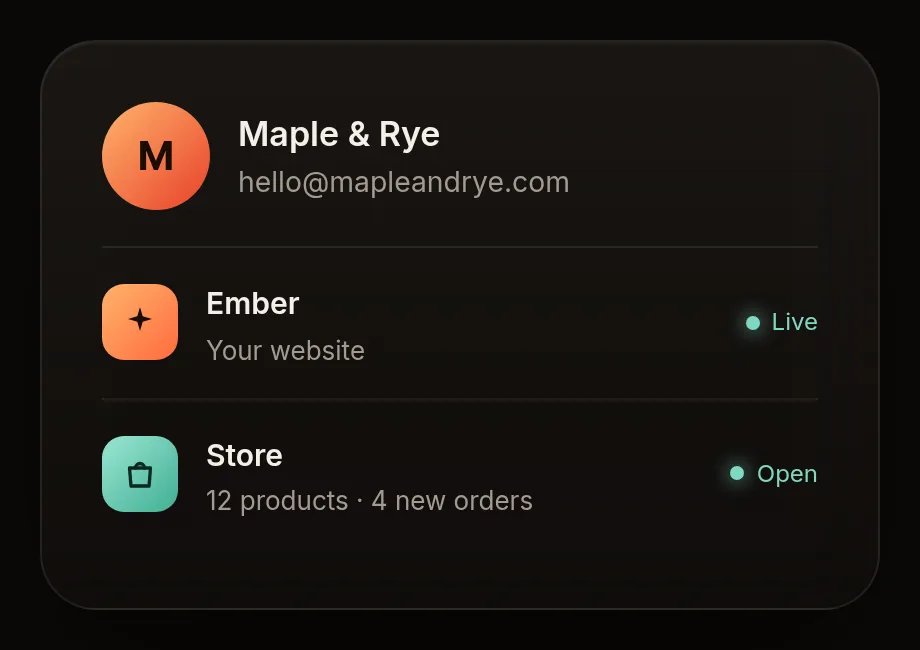
Your Wannlabs account is your key to everything: your website, your store and your automations.
Steps
- Go to wannlabs.com and tap Start building.
- Type your email, or tap Continue with Google.
- Open the email we send you and tap the link. No password to remember.
- Optional: turn on Face ID / fingerprint so next time you sign in with one tap.
Tip: use the email you use for your business. That's where your weekly reports will go.
You're done when
You see your name at the top right and the Ember app is ready to open.