School / Your first store
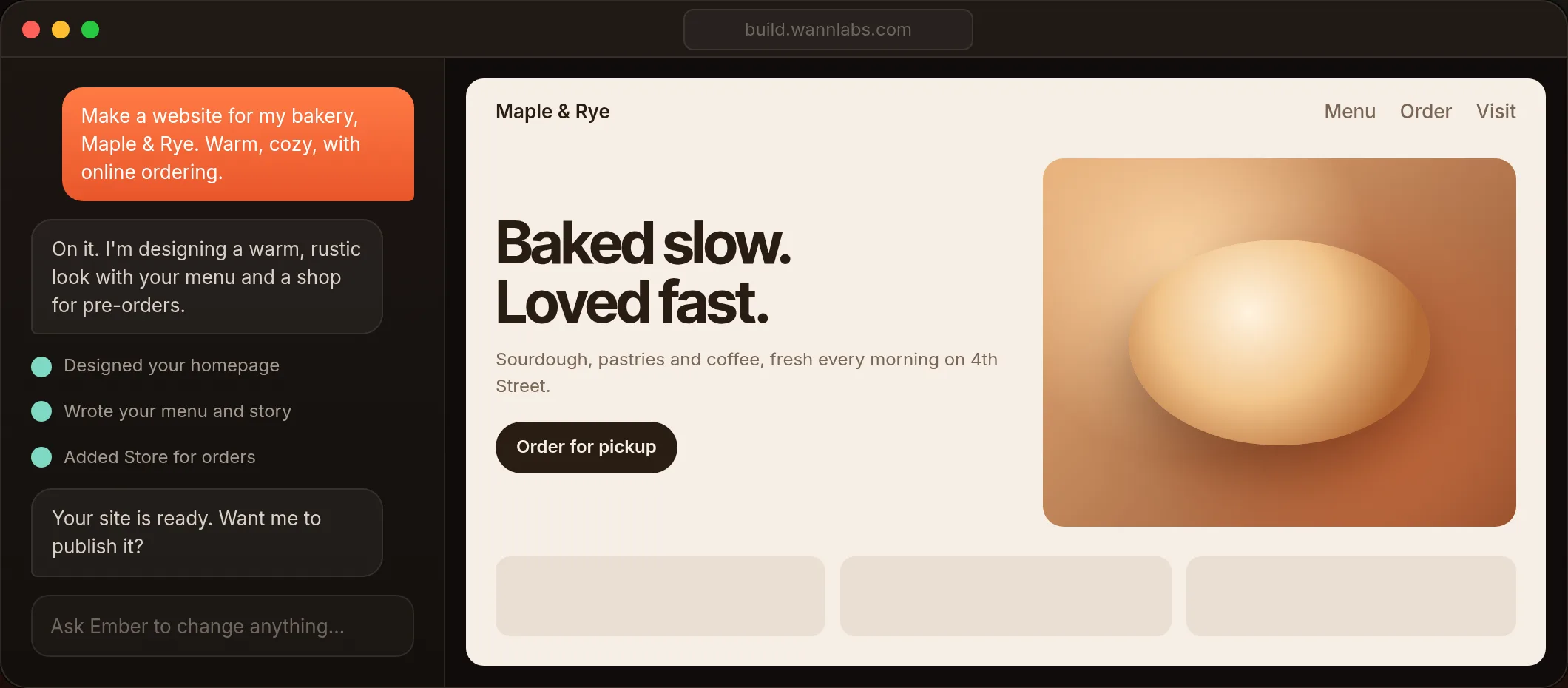
Design your store and landing page with Ember
3 min read · Lesson 5 of 5
Steps
- Open Ember at build.wannlabs.com and sign in with your Wannlabs account.
- In the big box, describe your shop. For example: "Make a bakery shop with my 5 best sellers." Tell Ember the names, prices and a sentence about each one.
- Tap Build. In a few minutes you'll see your shop's pages in the live preview.
- Want a landing page? Ask: "Give my store a warm landing page with a holiday sale banner."
- Change anything by asking: "Make the photos bigger", "Use softer colours", "Add our opening hours".
- Happy with it? Tap Publish to put it online.
Good to know
- Ember designs how your store looks: pages, photos, colours and words.
- You run products, orders and payments in OpenSign.
- Connecting your Ember design to your OpenSign checkout is coming soon. Until then, Ember can add a button that links to your OpenSign shop, or your phone number for orders.
Design your store with Ember