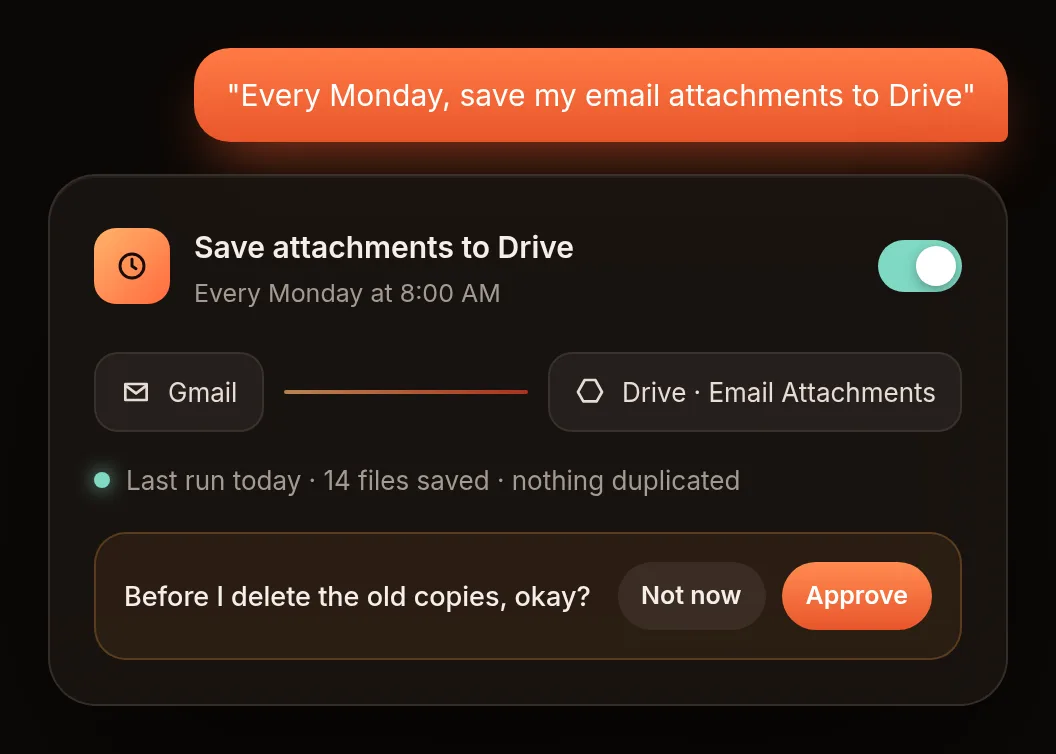
School / AutomationsCreate your first automation3 min read · Lesson 1 of 3 Steps Open Automations and tap New automation. Describe the job in plain words: "Every Monday, save my email attachments to Drive." Ember shows you what it will do, step by step. Check it. Tap Turn on. ← PreviousConnect a card readerNext lesson →Connect Google in one tap